Issue No. 48
SharePoint integration
Connect SharePoint to Parachute. Bring files into your matters, work on them with the AI, and save them back as new versions.
If your firm keeps its documents in SharePoint, Parachute now connects to it directly.
Bring files in
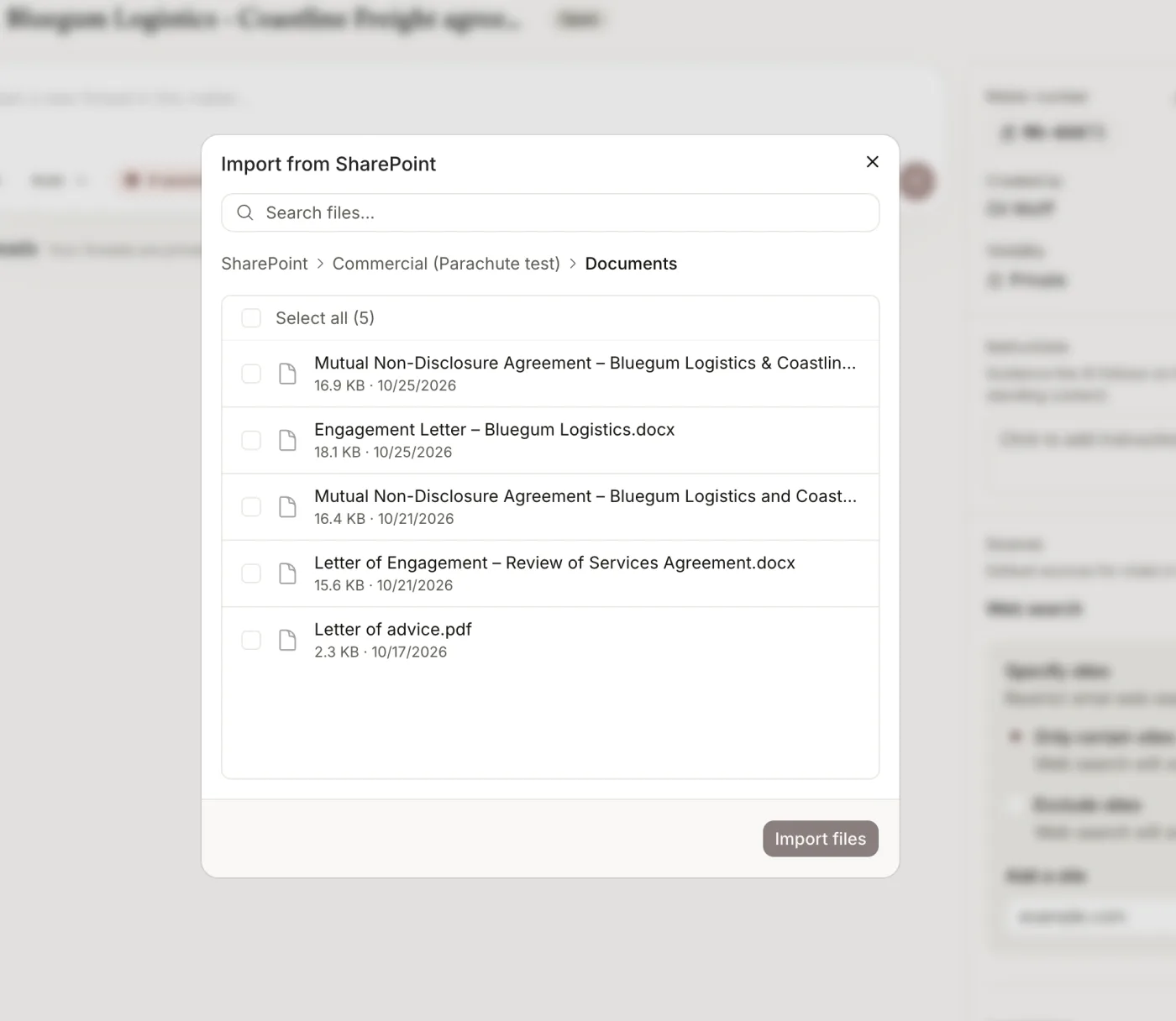
- Browse your firm’s SharePoint sites, document libraries and folders from inside Parachute.
- Import files into a matter, your knowledge base or your precedents.
- Attach a SharePoint file in chat, or ask Parachute to find one for you.
Save your work back
Save a document you’ve worked on back to SharePoint and it’s recorded as a new version of the same file, so SharePoint stays your system of record. New documents can go to any library or folder.
Enabling it
A firm admin connects SharePoint once, under Firm settings > Integrations. Everyone in your organisation then sees the sites and files the connecting account can access.